2018 Ford Flex Key Fob Programming
Updated 2026 Programming, battery & replacement fob
You can program a 2018 Ford Flex key fob yourself in a few minutes using a working key or remote, no dealer visit needed. Follow the steps below, then check the battery and the correct replacement fob (with FCC ID and part number) if you need a new one.
Remote / key fob programming
On this Ford, the remote functions are built into the smart proximity key — there's no separate remote to program. Use the key programming steps to set up the proximity key, which handles remote lock, unlock, and start.
Key programming
If your Ford has push-button start, you can add a new smart key yourself when you already have two working smart keys. You'll have 30 seconds to complete the sequence, so read it through first. Up to 4 smart keys total.
Before you start
- Two already-programmed, working smart keys
- Your new, unprogrammed smart key
- Engine off and all doors closed (keep them closed throughout)
- 1Place the new smart key, buttons facing out, in the center-console pocket.
- 2Press the driver or passenger power-unlock button three times.
- 3Press and release the brake pedal once.
- 4Press the power-lock button three times.
- 5Press and release the brake pedal once. The Start/Stop button starts flashing — programming mode is active and the two working keys were detected.
- 6Within one minute, press the Start/Stop button. The message center confirms the new key was programmed. (If you see MAX # OF KEYS LEARNED, four keys are already programmed and you can't add more.)
- 7Take the new key out of the pocket and press Lock or Unlock on it to exit programming mode.
- 8Test that the new key locks, unlocks, and starts the vehicle.
Tips & troubleshooting
- If any step is out of sequence, stop and wait at least one minute before starting again.
- No two working smart keys? A dealer or automotive locksmith will need to program the spare.
Replacement key fobs
Find your key type below, then match the FCC ID printed on the back of your existing fob — or, for a plain transponder key, the blank code — to be sure of the right part.
Proximity Key
Stays in your pocket — the car unlocks and starts without inserting a key.
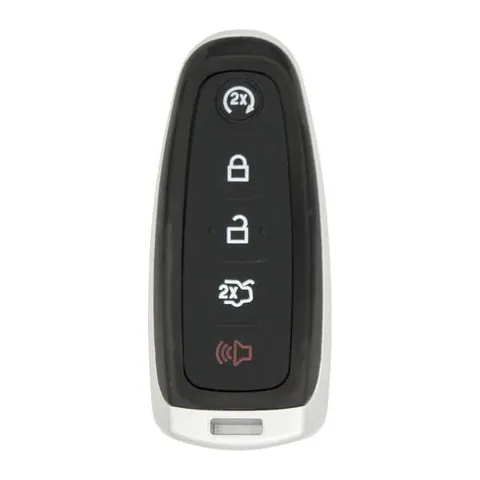
4/5-button Proximity Key
Find on Amazon- FCC ID
- M3N-5WY8609, M3N5WY8609, M3N5WY8610
- OE part #
- 164-R8091, 164-R8092, 164-R8094, 164-R8103, 5921285, 5921286 +7 more
- Frequency
- 315 MHz
- Chip
- PHILIPS ID 46
Transponder Key
4 versionsA cut metal key with a chip in the head. No buttons.
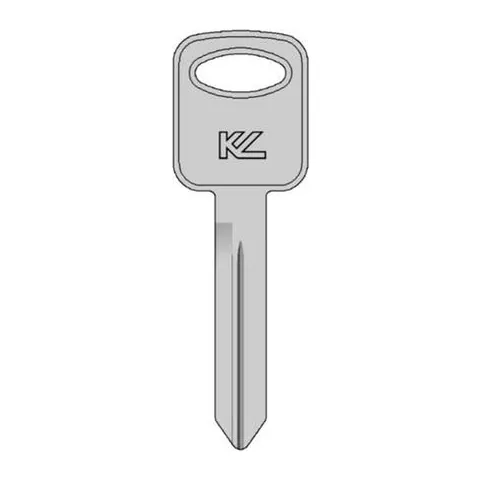
Transponder Key
Find on Amazon- Key blank
- BH75
- OE part #
- BH75
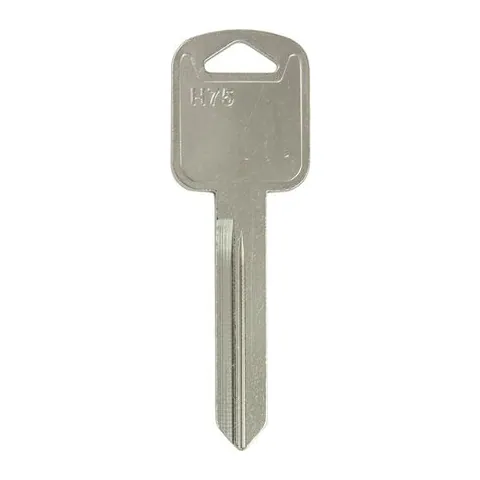
Transponder Key
Find on Amazon- Key blank
- FO25
- OE part #
- 11196FD
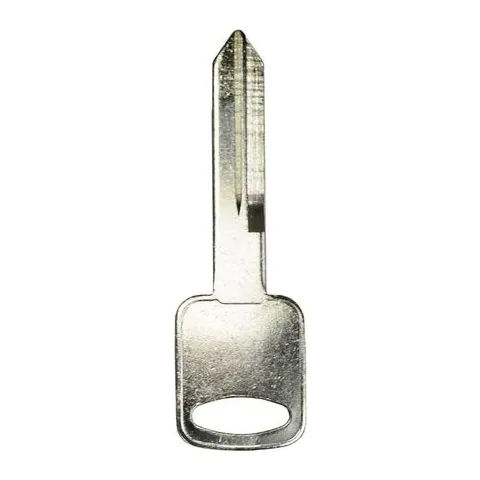
Transponder Key
Find on Amazon- Key blank
- FO-15DE
- OE part #
- JMA-H75
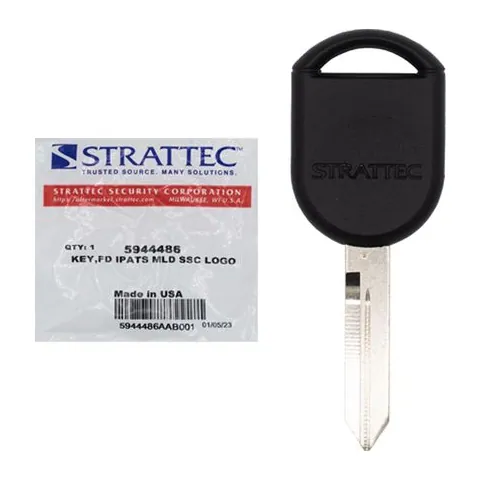
Transponder Key
Find on Amazon- Key blank
- H92PT
- OE part #
- 5944375, 5944486, H92-PT, H92PT
- Chip
- 4D-63 80-BIT
Photos show the OEM part for each number listed. Aftermarket replacements sold online are often slightly different in appearance — the FCC ID, not the shape, is what determines whether a fob will work with your car.
2018 Ford Flex key fob battery
Your 2018 Ford Flex key fob uses a CR2025 3V lithium coin cell. A fresh one typically lasts 3–5 years.
Find CR2025 batteries on AmazonHow to replace the battery
- 1 Slide the release latch and pull the metal emergency key out of the fob.
- 2 Use that key (or a coin) to pry the two halves apart at the seam.
- 3 Lift out the old coin cell — note which side faces up.
- 4 Drop in the new battery the same way (printed + side usually faces the back cover).
- 5 Press the case back together until it clicks, then test lock/unlock and push-to-start.
Battery tips
- Use a fresh, name-brand 3V lithium cell — bargain cells drain quickly.
- Even with a dead fob battery you can usually still start the car by holding the fob against the start button — check your owner's manual.
- If the fob still won't work after a new battery, it may need re-syncing or programming.
We may earn a commission on qualifying purchases made through links on this page, at no extra cost to you. It never affects which product we recommend. Learn more.
Rather hire a pro?
See what it actually costs, broken out by dealer, locksmith, and DIY: